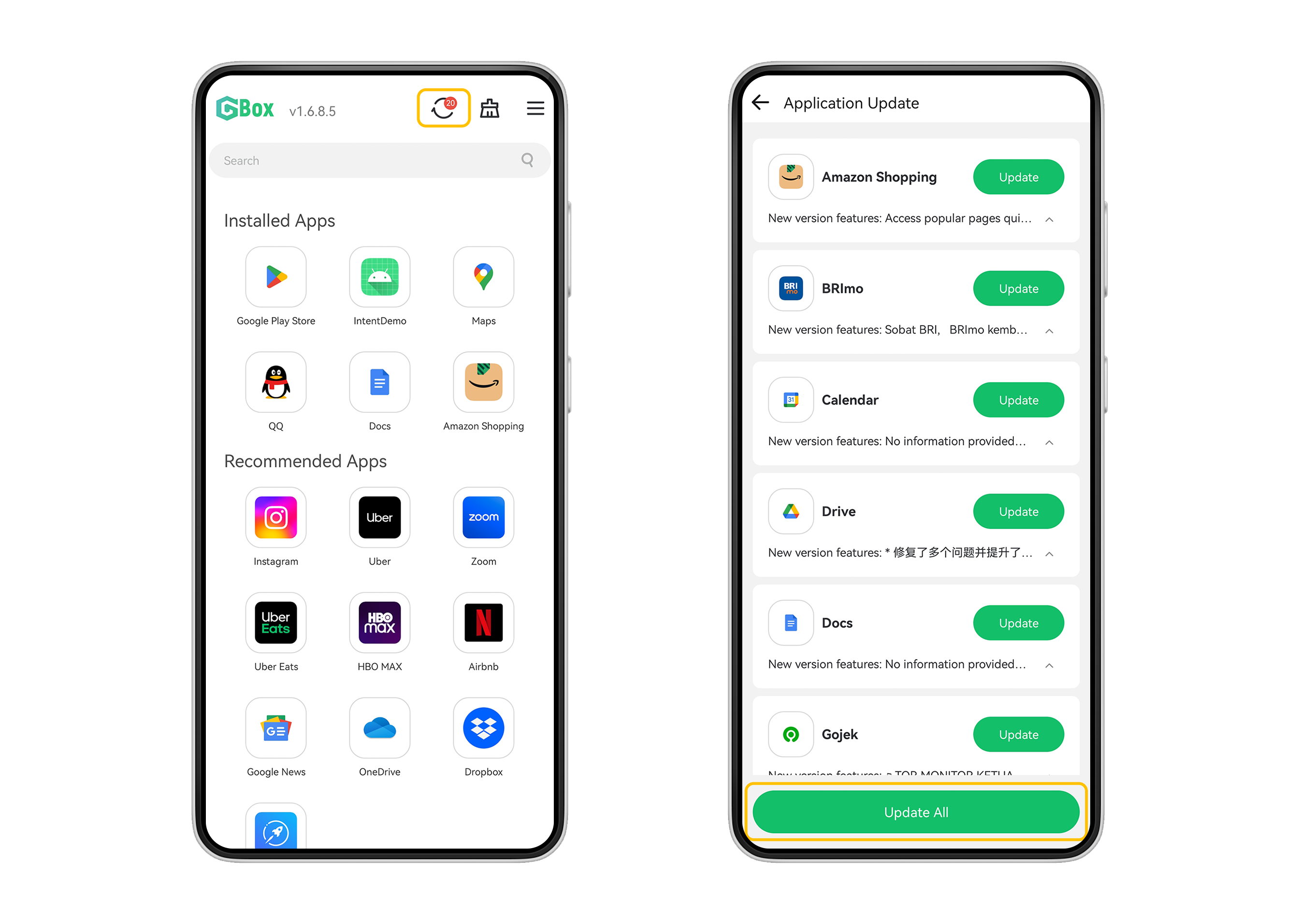
How do I update applications downloaded in GBox? 1. After clicking the circular update button at the top, a list of applications that need to be updated will appear. Click the "Update All" button at the bottom. Once the update is complete, all your applications will be updated.
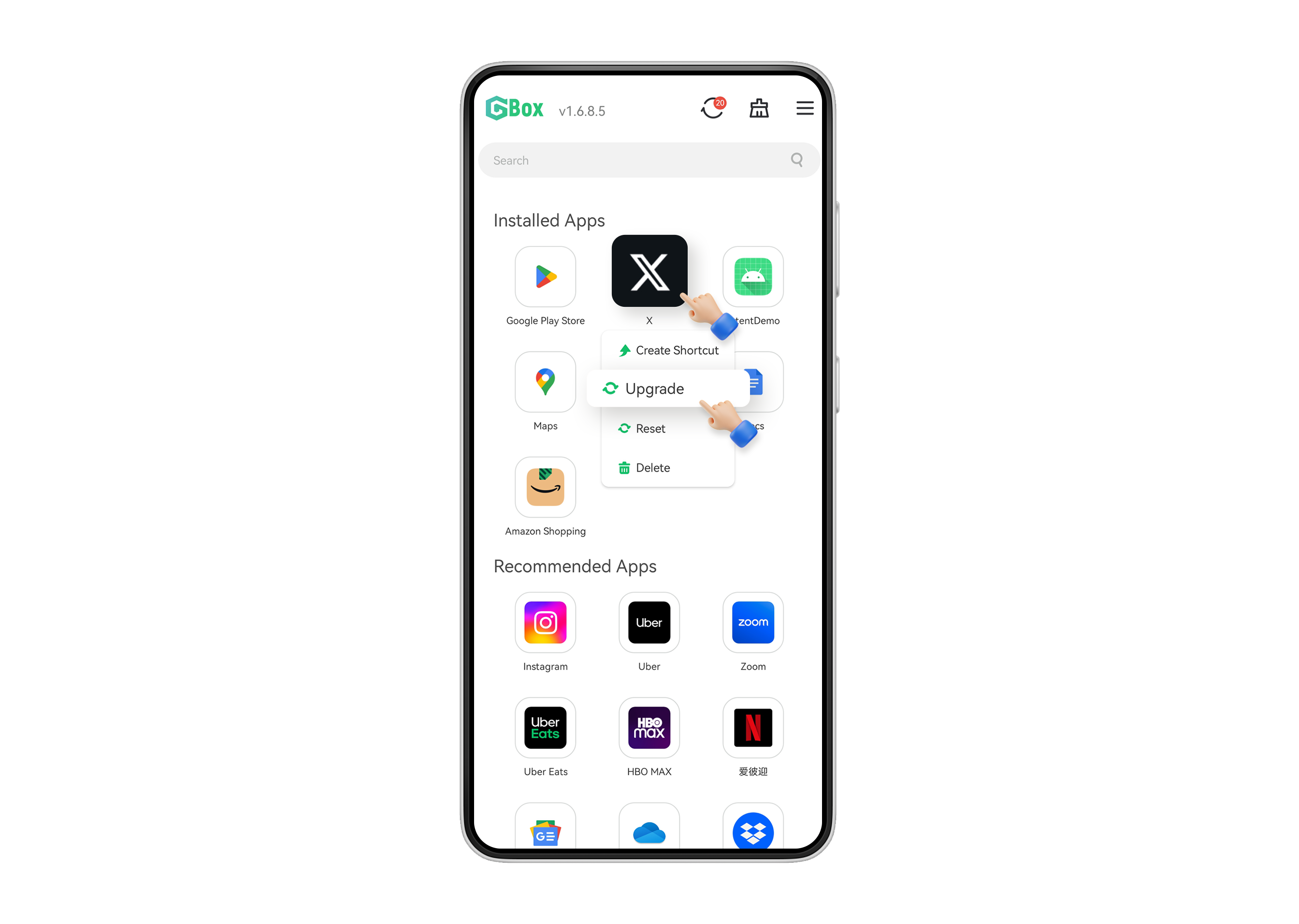
2. For applications installed in GBox, you can upgrade individual applications. Long press the application icon, and select "Upgrade" in the pop-up page below.